Tracking Your Sale
Your Ready-Made Link, Inside arOS
The fastest path: in the sidebar, click your username and choose Indique e ganhe (Refer and earn).
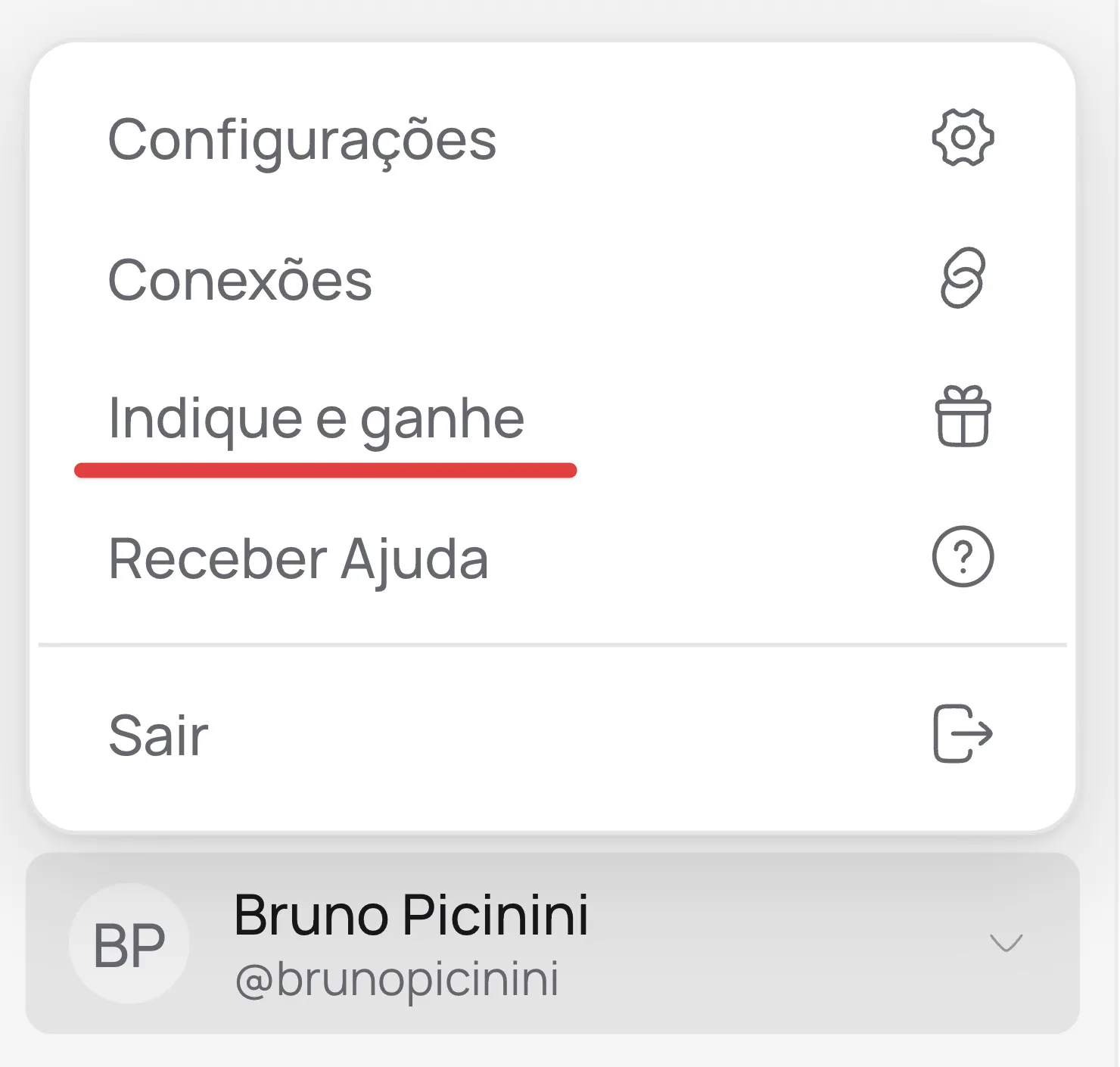
There you copy your referral link, already built — something like https://pages.aros.com.br/?fpr=aros33 — and your coupon too.
In this link, fpr is the parameter and aros33 is your affiliate code.
Creating Your Own Links
Your code works on any page of our website (https://pages.aros.com.br) and also here in our Help Center (https://help.aros.com.br). All you need to do is (1) grab the link and then (2) add fpr=YOUR_AFFILIATE_CODE at the end.
Example, assuming your code was aros33:
- https://pages.aros.com.br/planos/?fpr=aros33
- https://pages.aros.com.br/?fpr=aros33
- https://help.aros.com.br/docs/intro?fpr=aros33
Now you just need to share this link and the system will record all leads and sales that come from your referral.
It's done this way because then you can refer:
- Different plans and offers we have on our website;
- Specific articles here in the Help Center;
- Complete courses we also have here.
This is because some people you might refer the link and say this is where you buy. But there are so many others that you just want them to know about it. Maybe you refer something like check out this tutorial, check out this tip, look how cool this is. And you refer them to material that the person can benefit from, which is what we have here in our help center.
So it depends a lot on your strategy, but we wanted to give you this freedom that, regardless of where you refer, we will record this user's information and if this person returns from the same device, even without your affiliate link within 60 days, the sale will be recorded to you.
You can also use your coupon to track sales without depending on links — and give 20% off the 1st month.